Photo guide
Photos that look like you
When introductions open where you live, the person we introduce you to reads why we think you'd get on before they see your photos. Your photos then only need to show the person they would meet. A phone, some daylight and a little patience are enough.
All people in the photos on this page are AI-generated. They are not WeMet members.
Before you shoot
A little preparation makes every photo easier.
- Wear clothes you would really wear to meet someone, not a look you borrowed for the photo.
- Choose a tidy background: a plain wall, a bookshelf, a park. Move clutter out of the frame.
- Ask a friend to take the photos, or prop your phone up and use the timer. An arm's-length selfie is fine for one photo, not for all of them.
- Plan three kinds of photo: one that shows your face clearly, one full-length, and one of you in everyday life, doing something you enjoy.
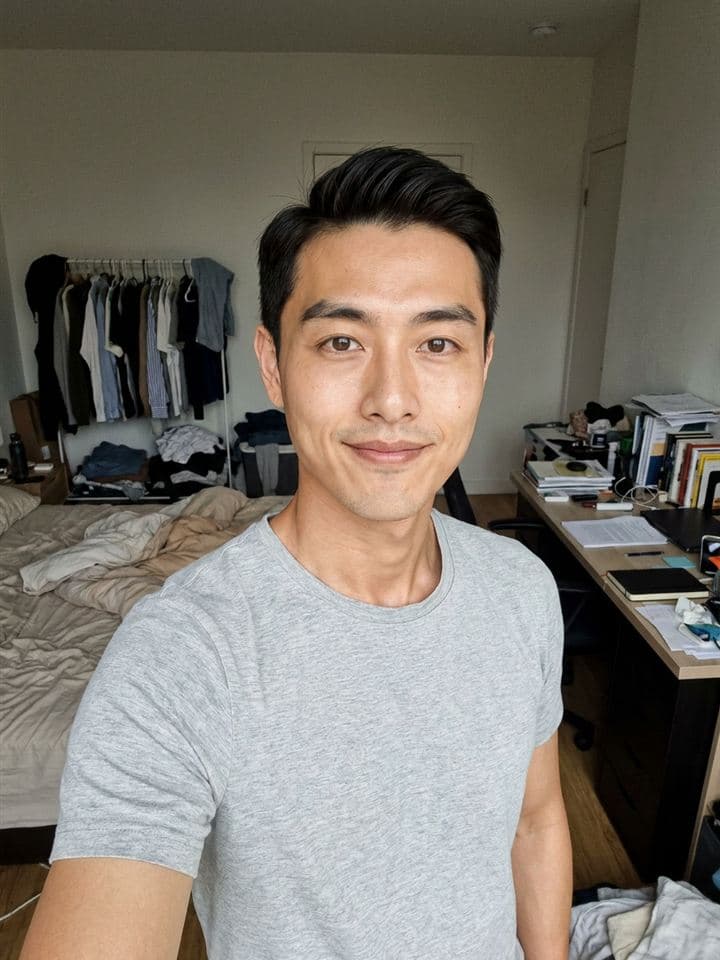 AvoidA messy room behind you pulls the eye away from you.
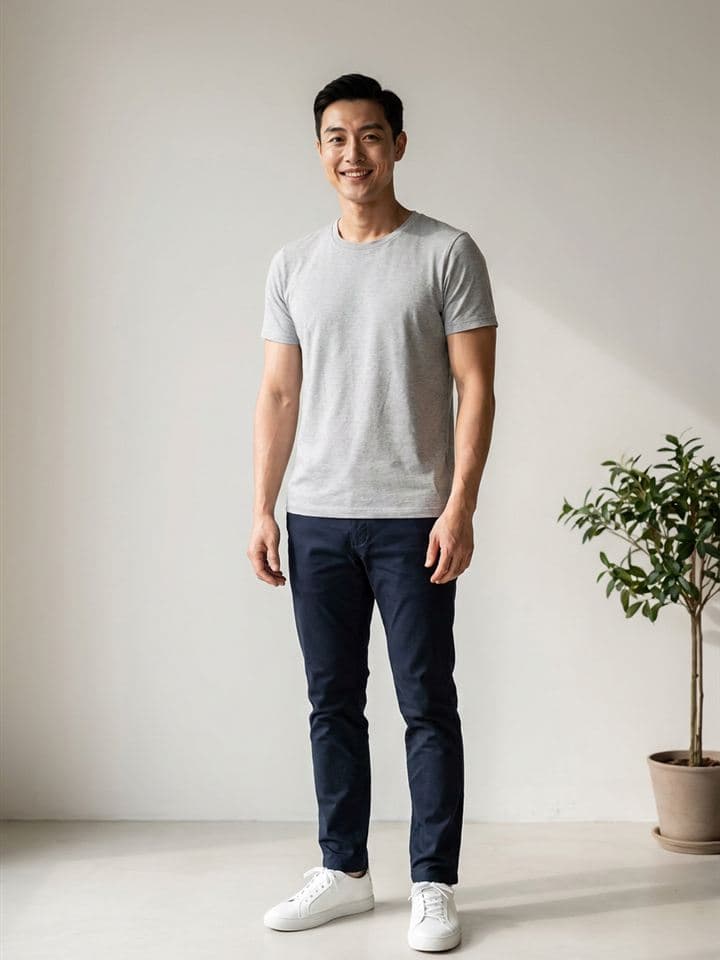 Try thisA plain wall or a tidy corner keeps the focus on you.
Three photos worth having
 A clear photo of your face: your first photo.
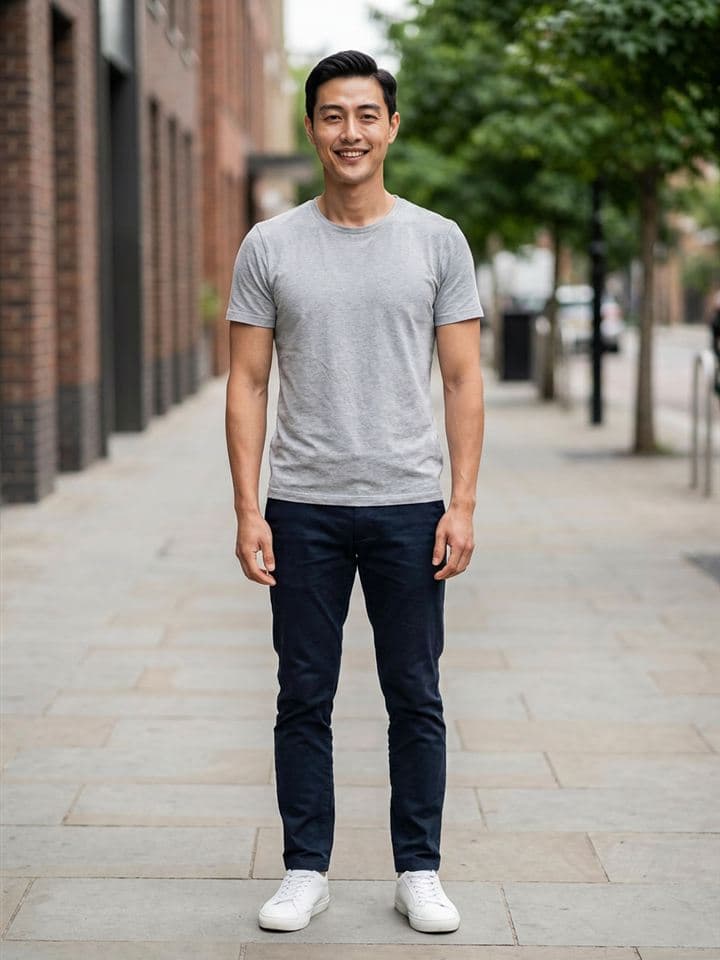 A full-length photo, head to shoes.
 An everyday moment: something you really do.
Light
Light changes a photo more than the camera does.
- Face a window in daylight. Soft light from the front shows your face as it is.
- Avoid a single ceiling light straight above you: it puts shadows under your eyes.
- Avoid a bright window or the sun behind you: your face turns into a dark outline.
- Outdoors, open shade or a cloudy day works better than harsh midday sun.
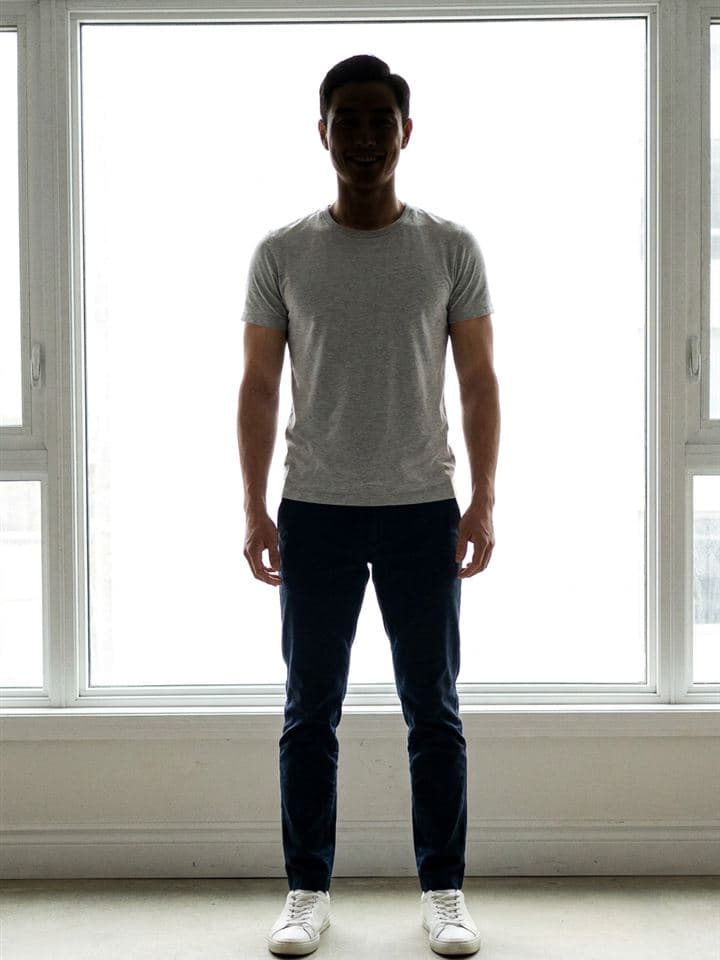 AvoidA bright window behind you turns your face into a shadow.
 Try thisFace the window and let daylight fall on your face.
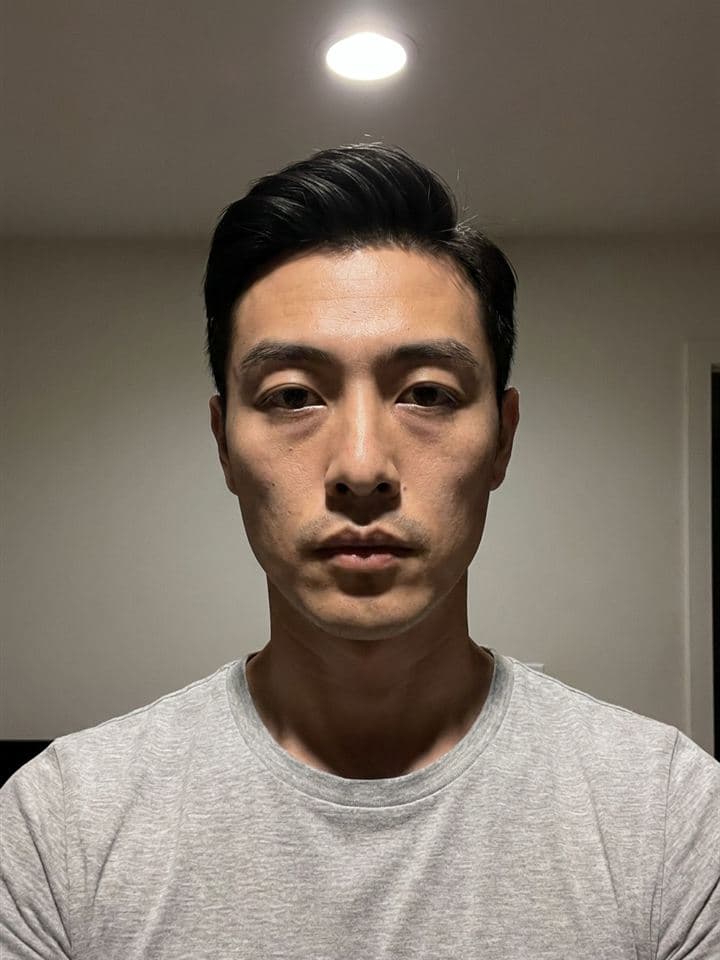 AvoidA ceiling light straight above casts shadows under your eyes.
 Try thisSit by a window for soft, even light.
Angle and distance
Small changes in where the phone is make a big difference.
- Hold the lens at eye level or slightly above, never from below your chin.
- Keep the phone at arm's length or further. A lens very close to your face stretches it.
- Keep your shoulders in the frame, with a little space above your head.
- If someone else is taking the photo, ask them to step back and zoom in a little rather than come closer.
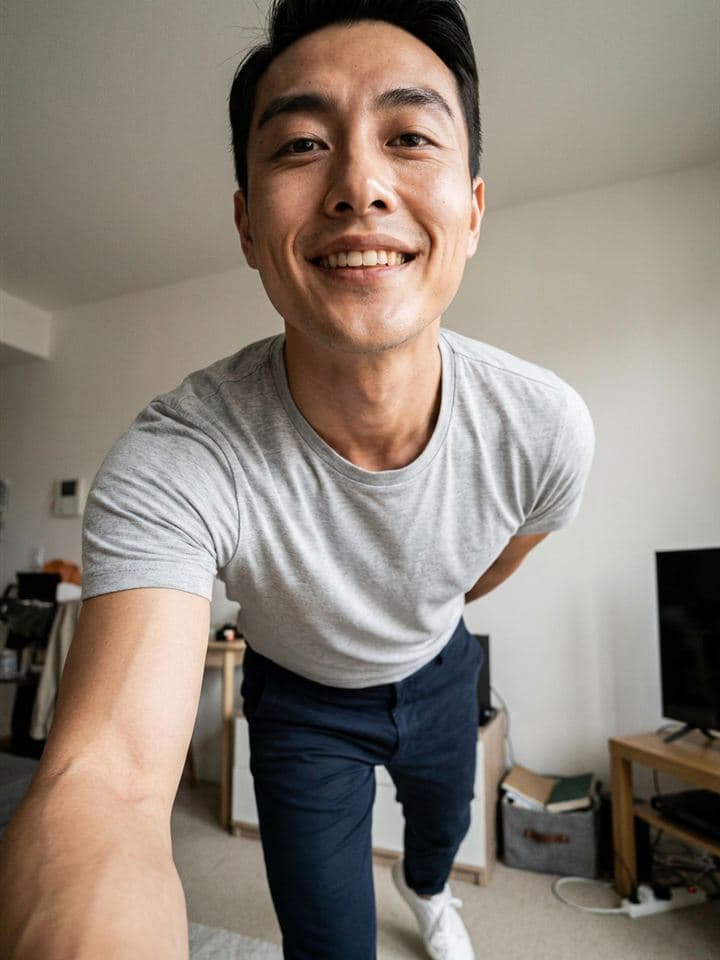 AvoidA phone held low and close shows your chin and nostrils first.
 Try thisCamera at eye level, at least an arm's length away, shoulders in frame.
- Do thisHead and shoulders inside the frame
- Avoid thisFace cropped tight against the edges
Relax
Stiff photos usually come from waiting for the click.
- Walk slowly towards the camera, or turn as if someone has just called your name.
- Hold a cup, a book or a dog's lead, so your hands have something to do.
- Talk to the person taking the photo. A real laugh looks different from a posed smile.
- Take plenty of photos, then keep the few that look like you.
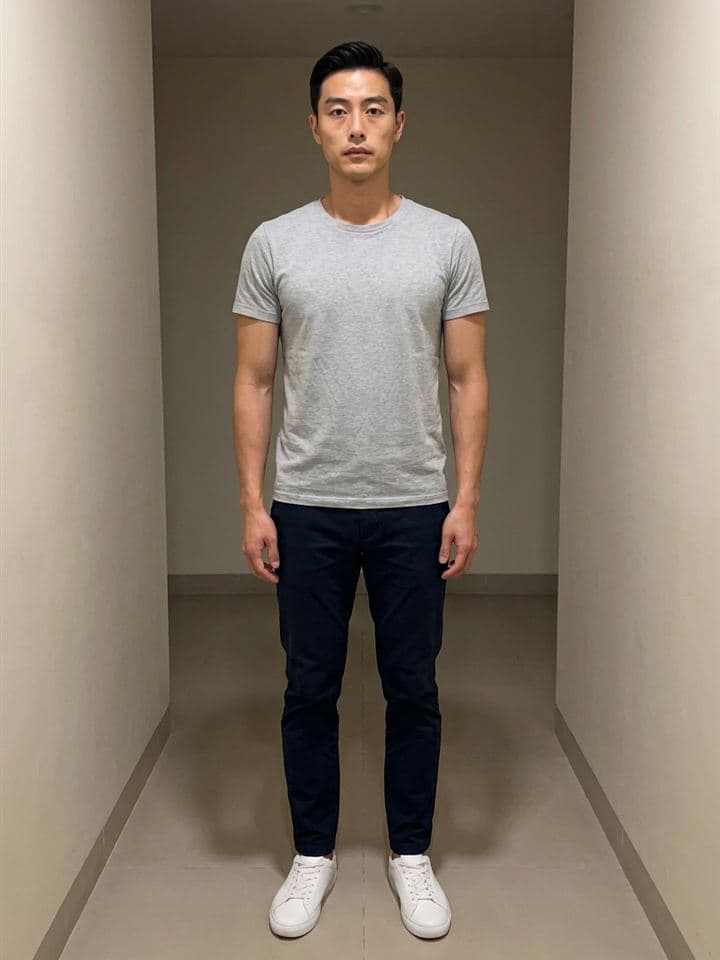 AvoidStanding stiffly and staring at the lens.
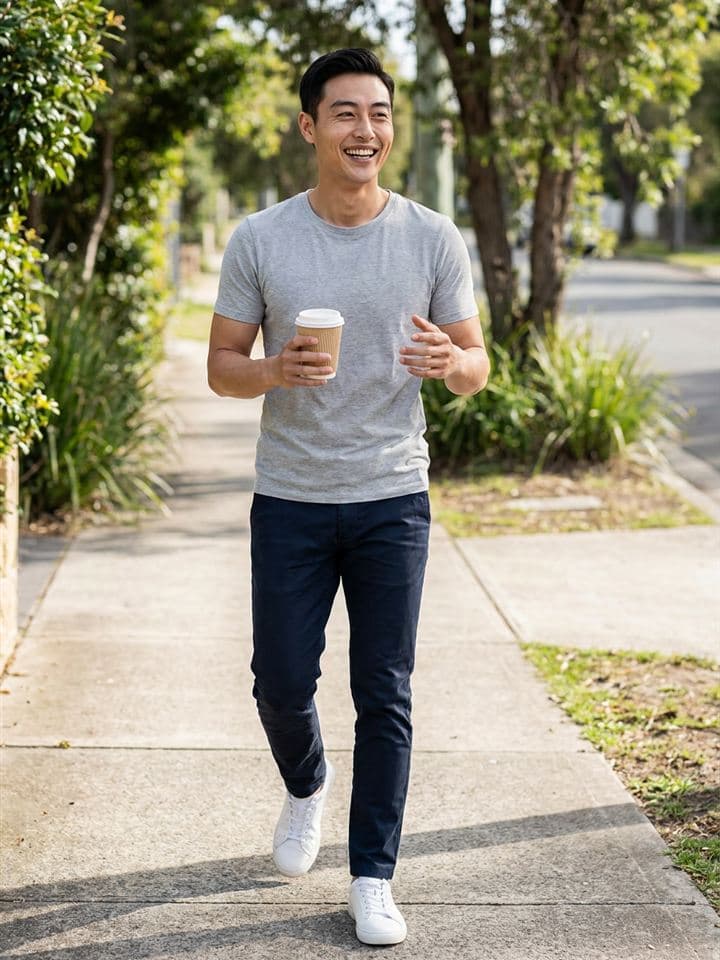 Try thisWalk, hold a coffee, talk to the person taking the photo.
Choose and check before you upload
Every photo is reviewed by a person before it is shown to anyone. Check these before you upload.
- Your main photo (the first one): just you, your face clearly visible, no sunglasses, hat or mask.
- Don't use a group photo as your main photo. In every photo, it should be easy to see which person is you.
- Use recent photos that look like you today. Keep edits light: no filters that change the shape of your face.
- You need at least 3 approved photos before your first introduction.
- The photo check compares a selfie with your main photo, so your main photo needs to show your face clearly.
 AvoidSunglasses and a cap hide the face people want to see.
 Try thisNo sunglasses or hat in your first photo.
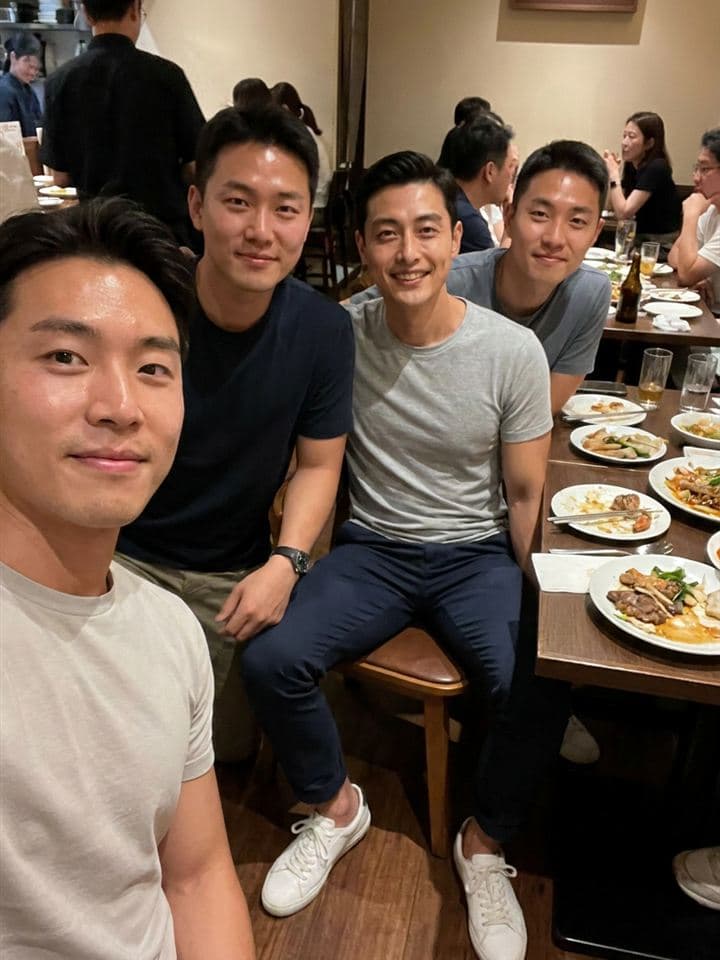 AvoidIn a group photo nobody can tell which one is you.
 Try thisA photo of just you, especially as your first.
 AvoidHeavy beauty filters change how you look.
 Try thisNatural colour and light edits only.
Ready to add your photos?
Introductions have started in Singapore. Other cities open one by one. You can create your account and prepare your profile.